In order to login on to the MovePulse Customer Portal, you need to use the email address which you have shared at the time of booking.
URL : https://corpid.movepulse.com
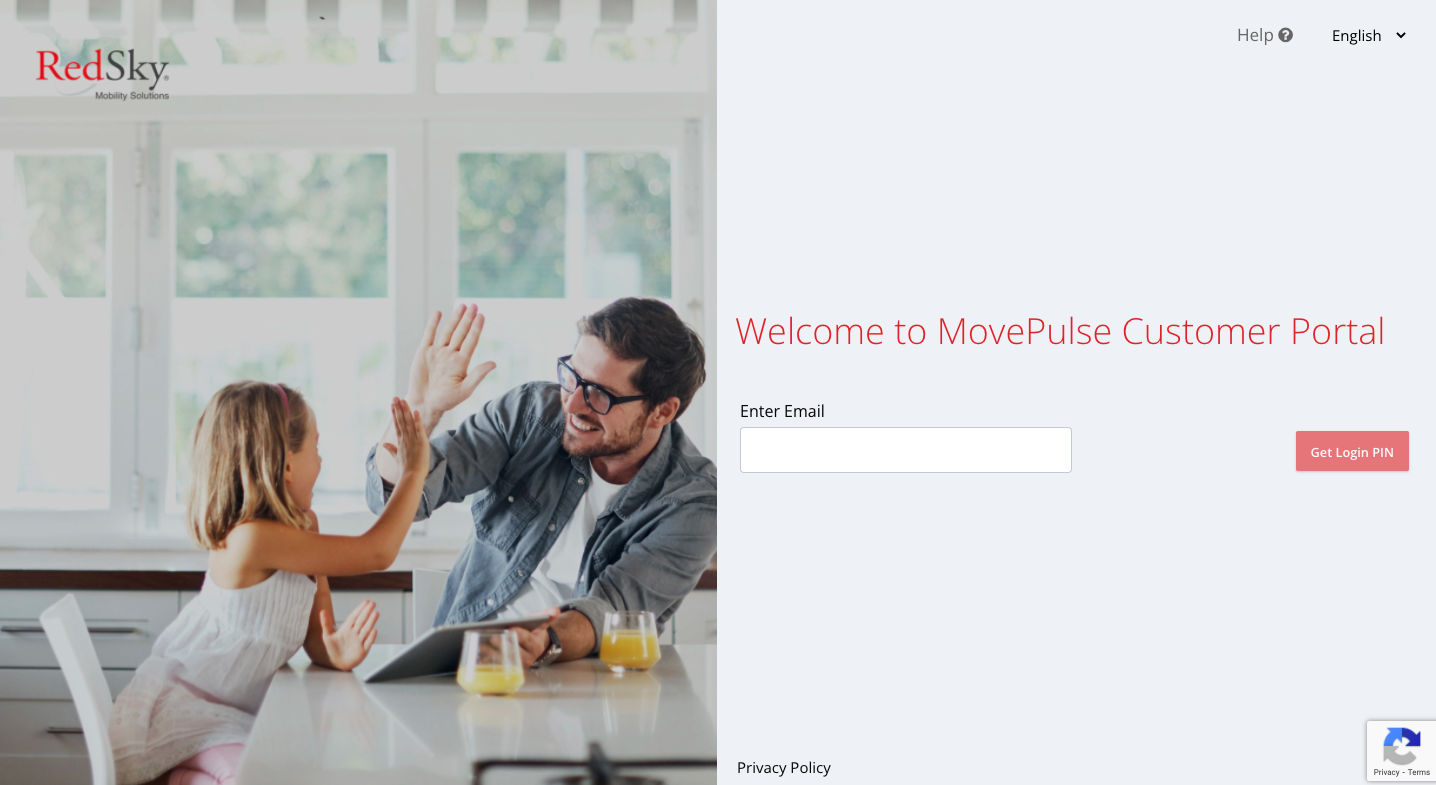
Enter your email and click on the Get Login PIN button.
You will receive the email with PIN details.
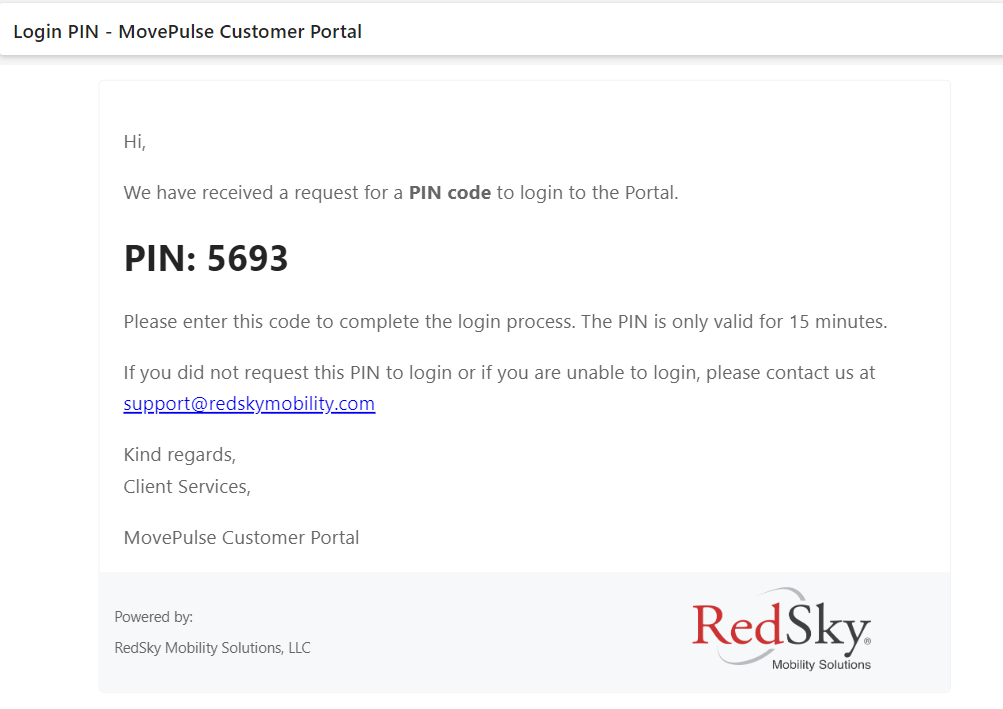
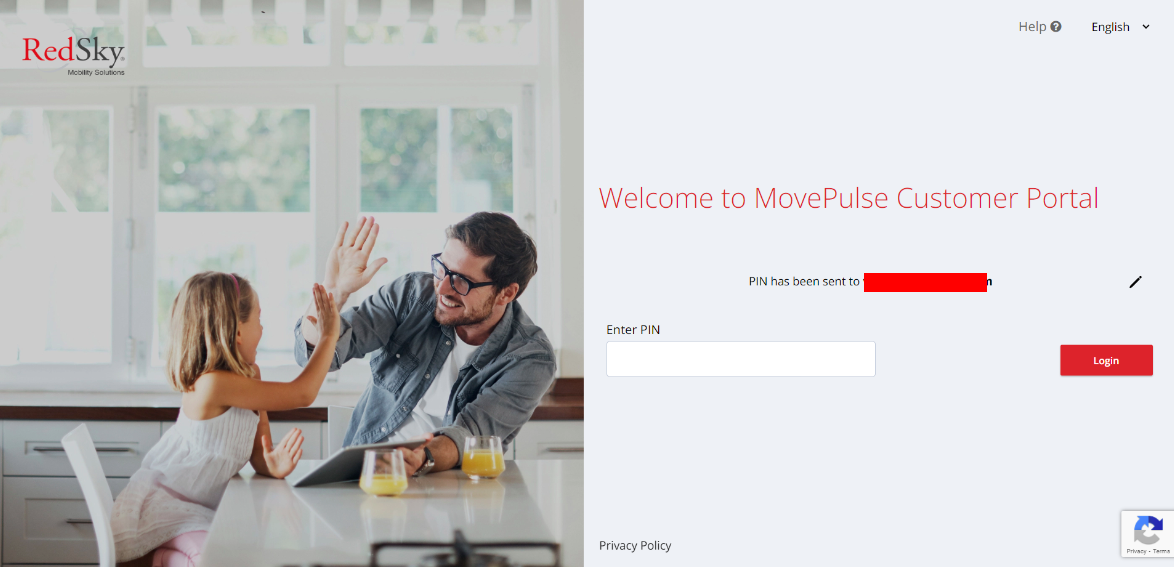
Copy the PIN from the email received and paste and click on Login.
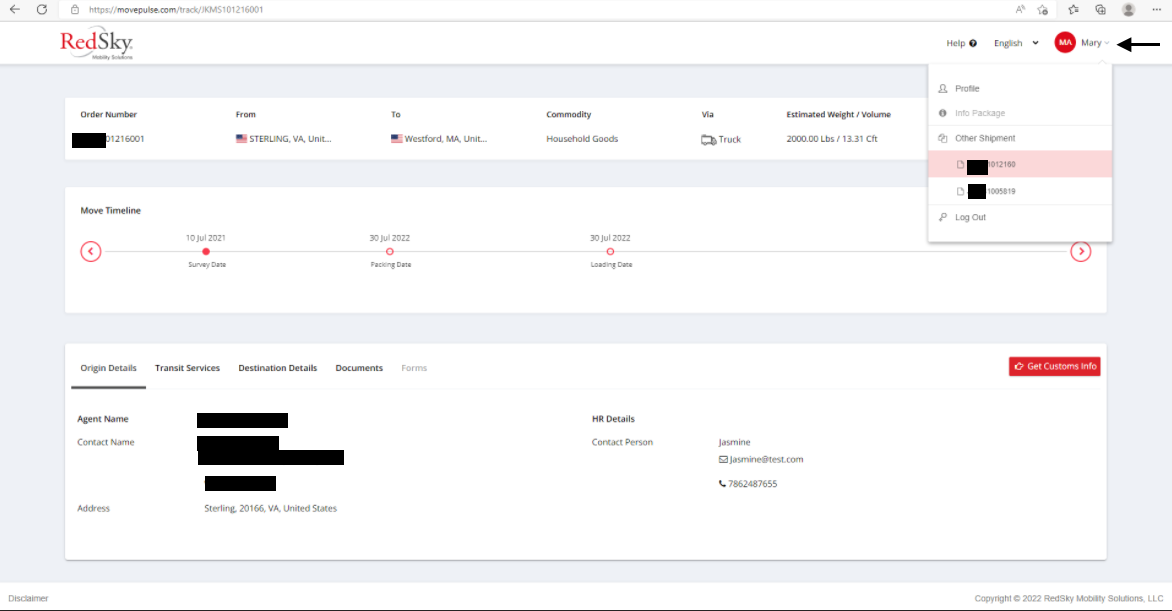
You will be able to see your shipments after PIN authentication.
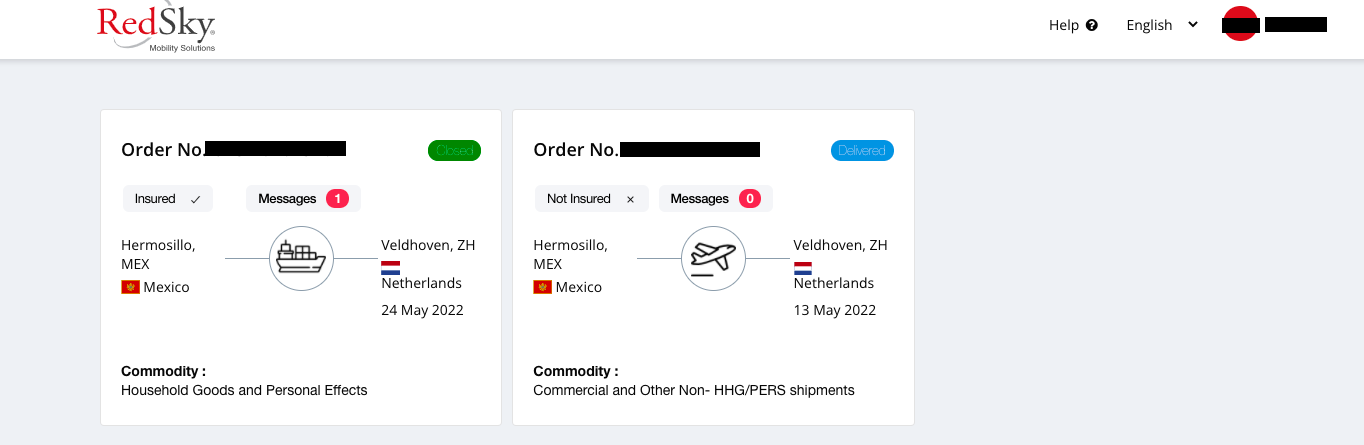
The profile dropdown will display all customer files associated with the email address. You can switch between the customer files by clicking on them.
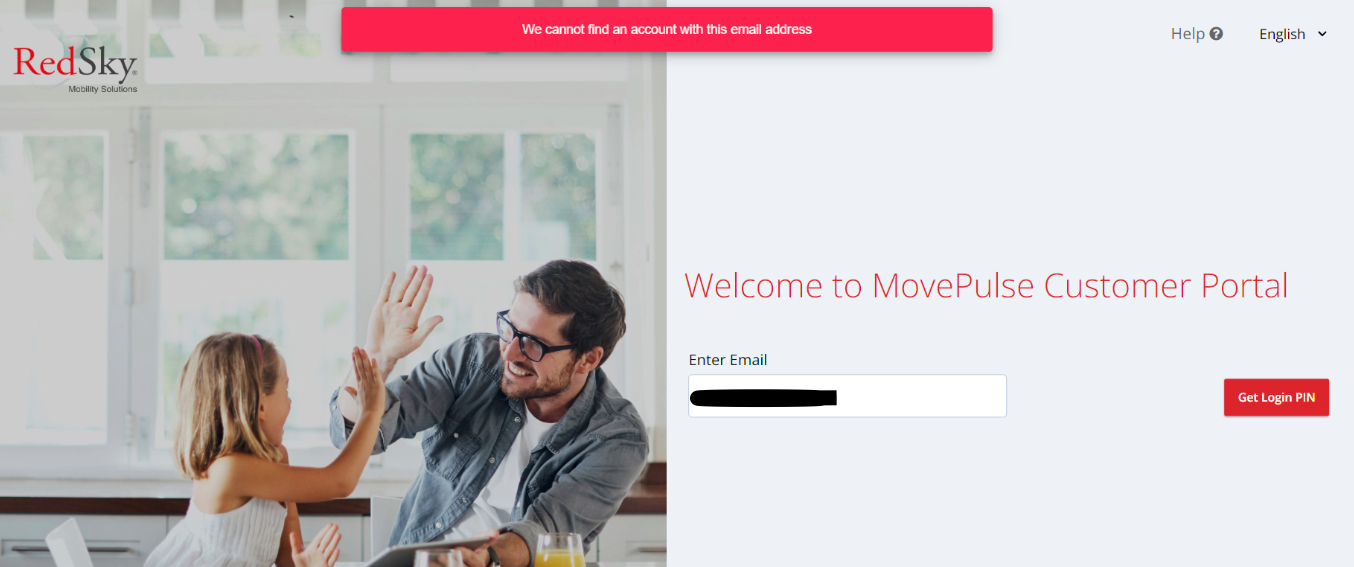
If the email address entered is not the email which you have shared at the time of booking, then you will get a message "We cannot find an account with this email address".
Try with email which you have shared at the time of booking.
Was this article helpful?
That’s Great!
Thank you for your feedback
Sorry! We couldn't be helpful
Thank you for your feedback
Feedback sent
We appreciate your effort and will try to fix the article