You can customise the currency drop-down list by following below steps.
Go to Administration >> Reference
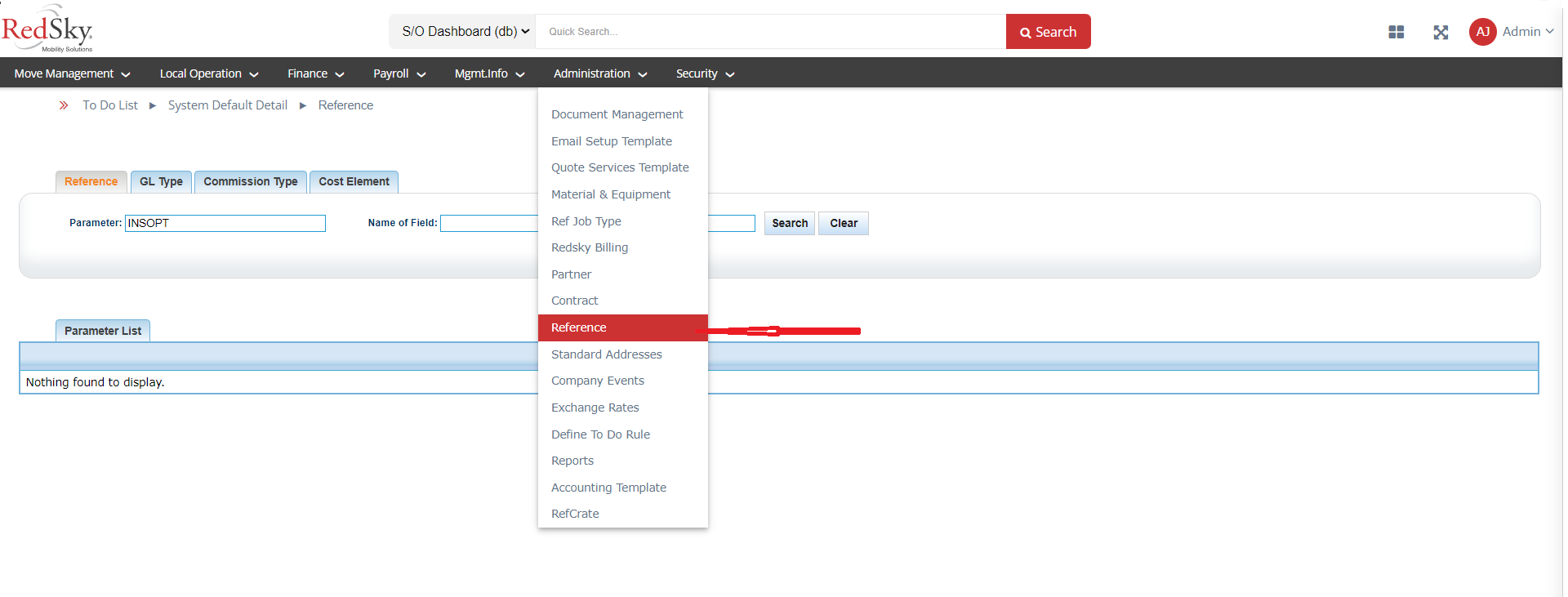
Search for Parameter = CURRENCY and click on View List
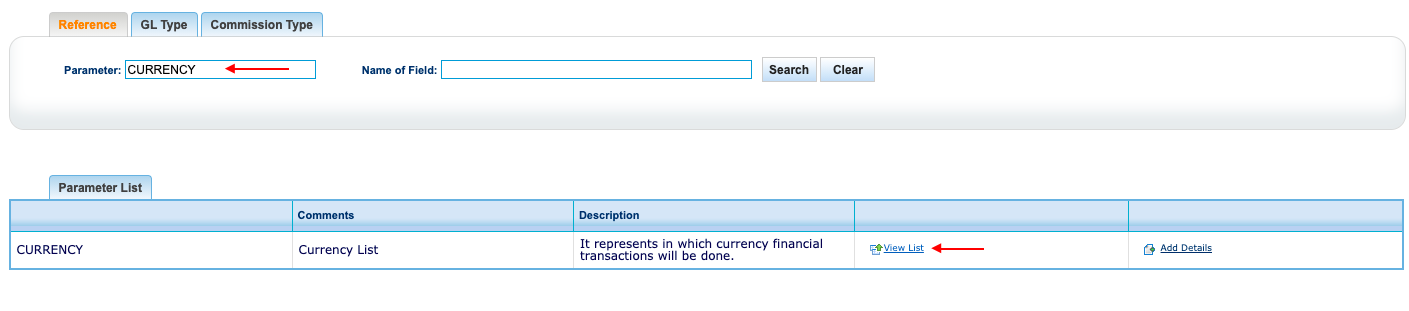
It will open the list of currency, you can select the ones which you need and uncheck the ones which you do not need in the currency drop-down list on Accountline.
Was this article helpful?
That’s Great!
Thank you for your feedback
Sorry! We couldn't be helpful
Thank you for your feedback
Feedback sent
We appreciate your effort and will try to fix the article