SYSTEM DEFAULT
System default allows setting some of the functions/options and the effect will get reflected at the interface by default.
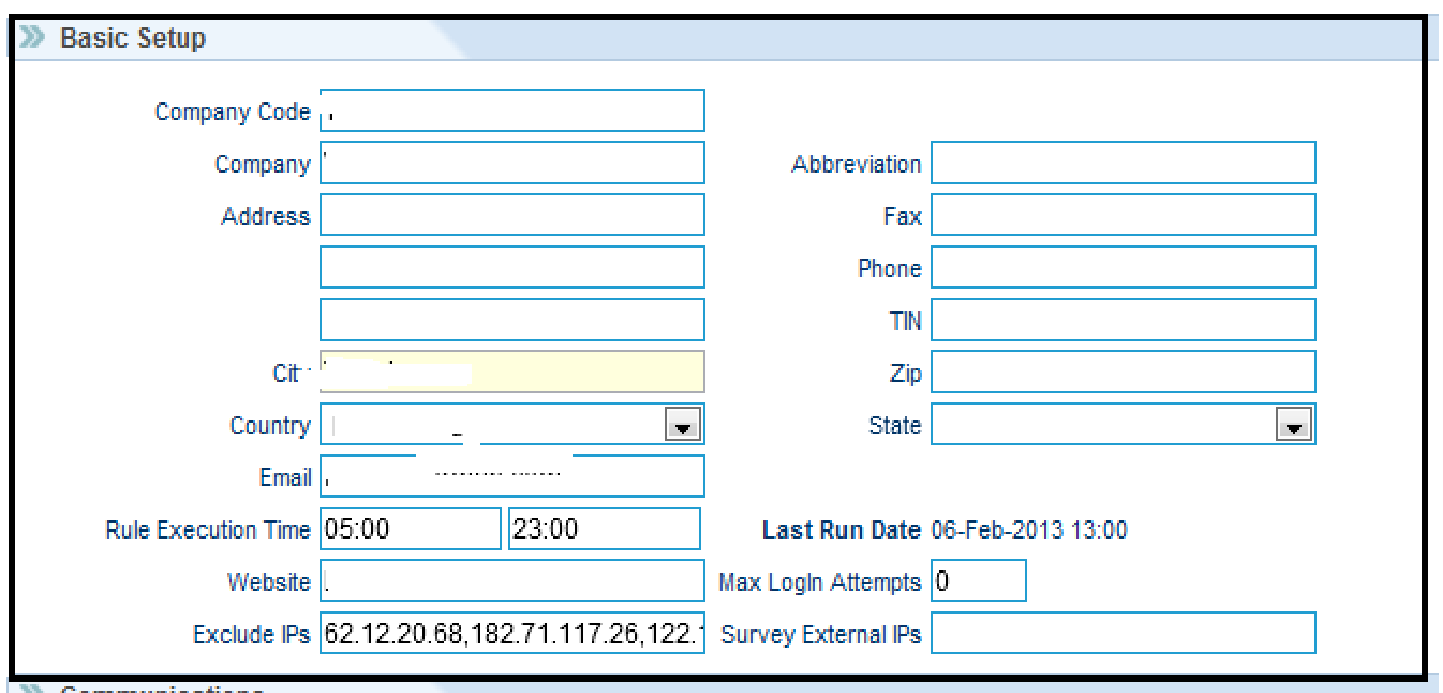
Basic Setup: The company details need to be entered in the Basic Setup Section
Communications: The default setup for the emails.

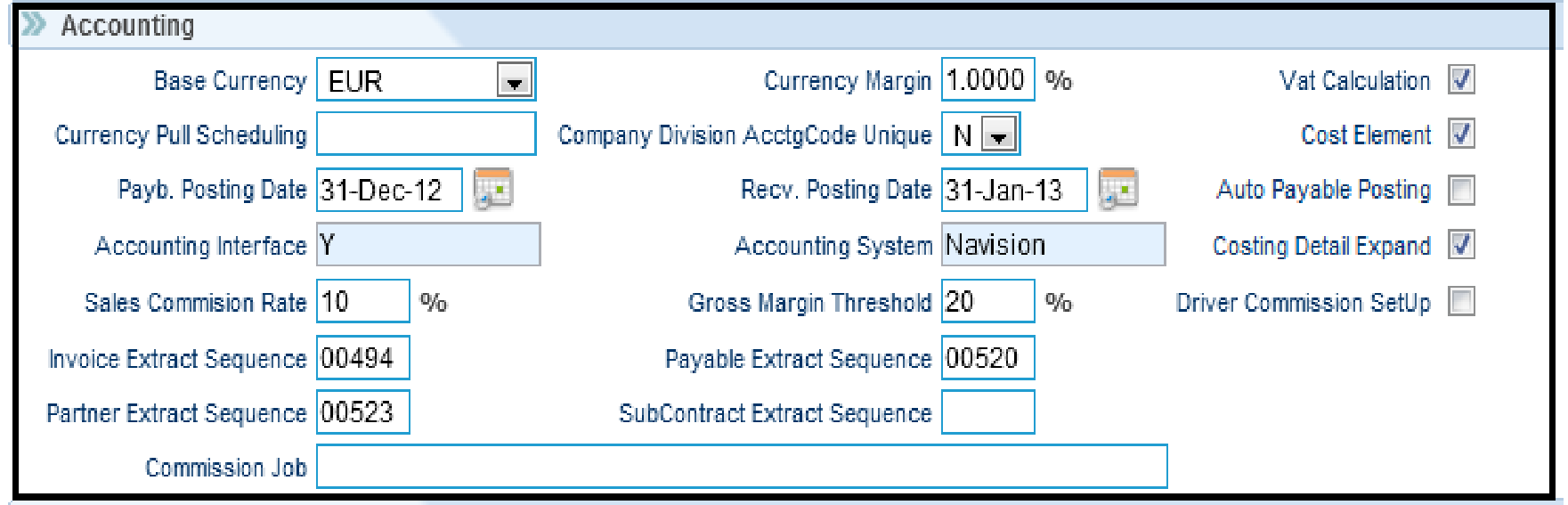
Accounting: This allows the default settings in the accounting section.
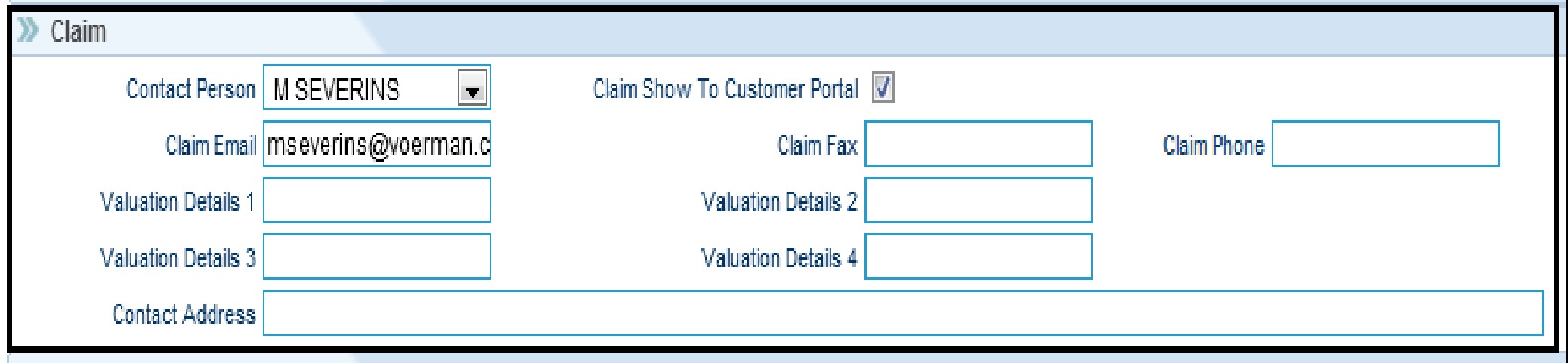
Claims: For every claim, the default contact person would be the handler. However, the person's name can be changed.
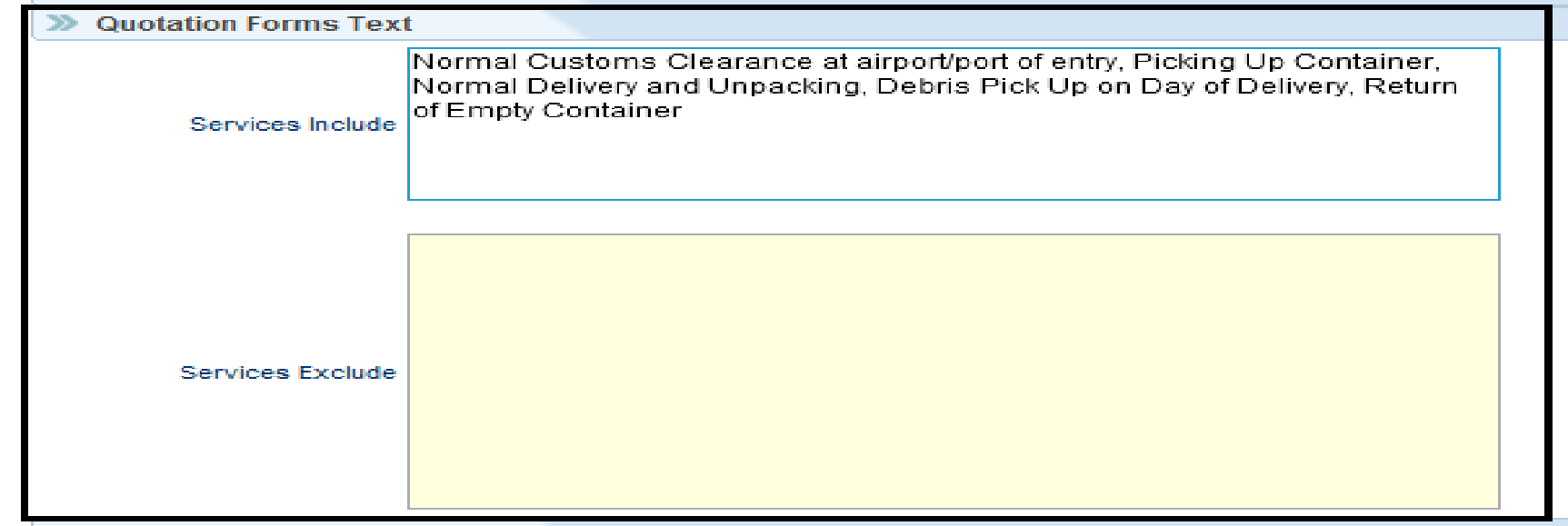
Quotation Forms Text: To set the services included/excluded in the quotation forms.
Network Coordinator: The coordinator name in default coordinator will get auto-populated in another corporate id as well in case of linked files.
Example: CorpID-1 (one Moving Company using Redsky) has linked one file with CorpID-2 (another Moving Company using Redsky) , but the coordinator taking care of that file is not available at CorpID-2 instance. To avoid this confusion, if the same coordinator is being set here as default coordinator, then the coordinator is available at the CorpID-2 instance as well.

COMPANY DIVISION
Go To Security >>
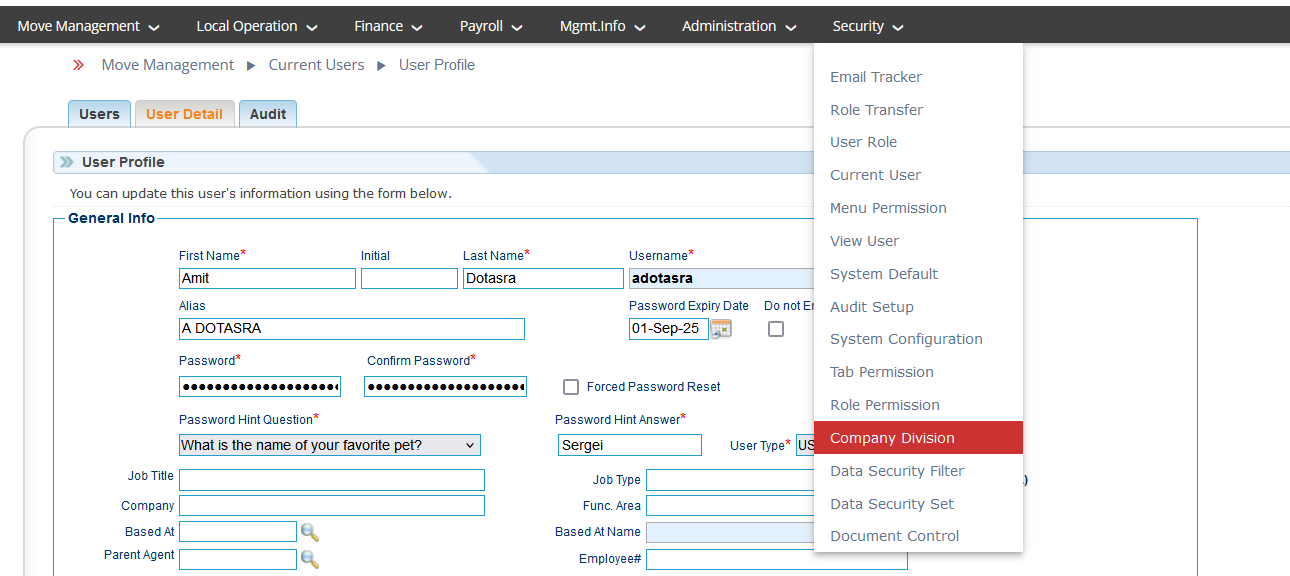
A company division is one of the large parts into which a business (company) is divided. RedSky offers the user to add as many company divisions under one corp id.
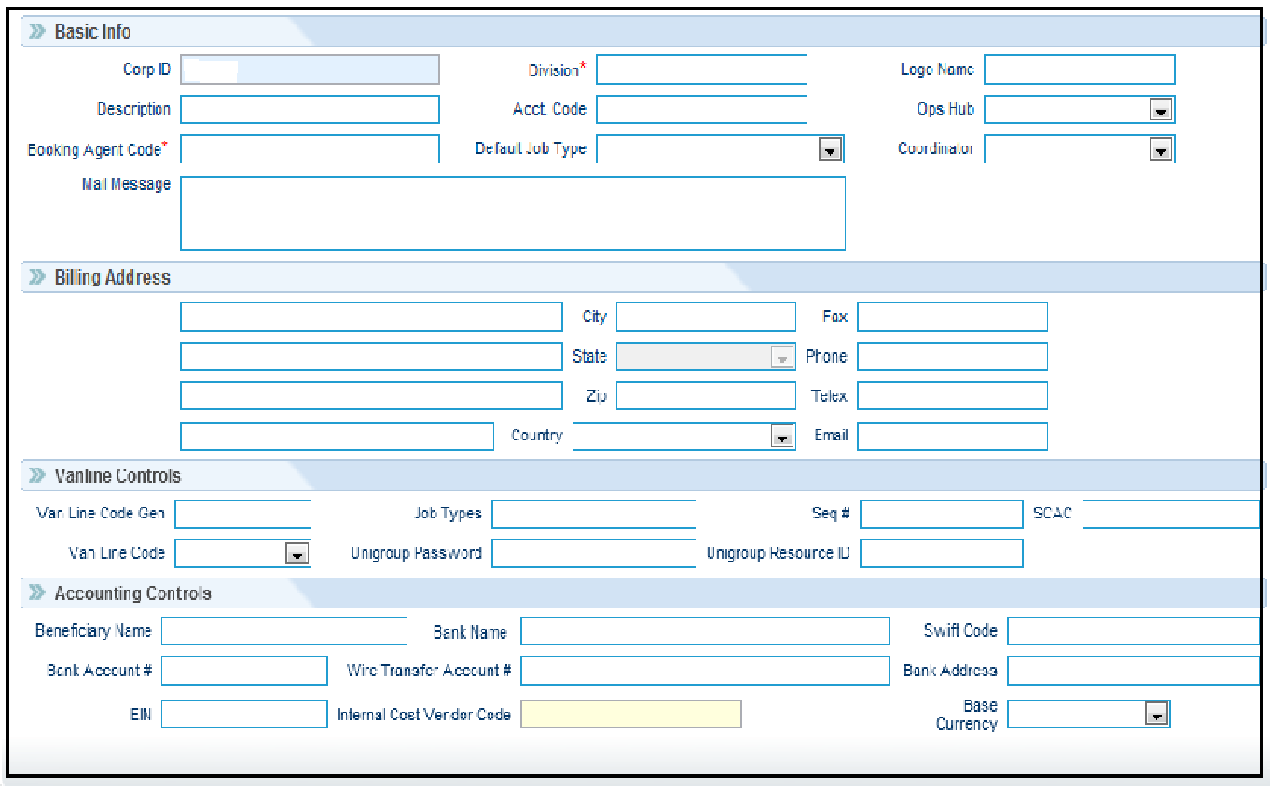
Basic Info: This reflects the basic information of the company division.
Billing Address: This reflects the billing address of the division
Van line Controls: This is used by the companies using van lines.
Accounting Controls: This reflects the bank details responsible for the transactions.
Was this article helpful?
That’s Great!
Thank you for your feedback
Sorry! We couldn't be helpful
Thank you for your feedback
Feedback sent
We appreciate your effort and will try to fix the article